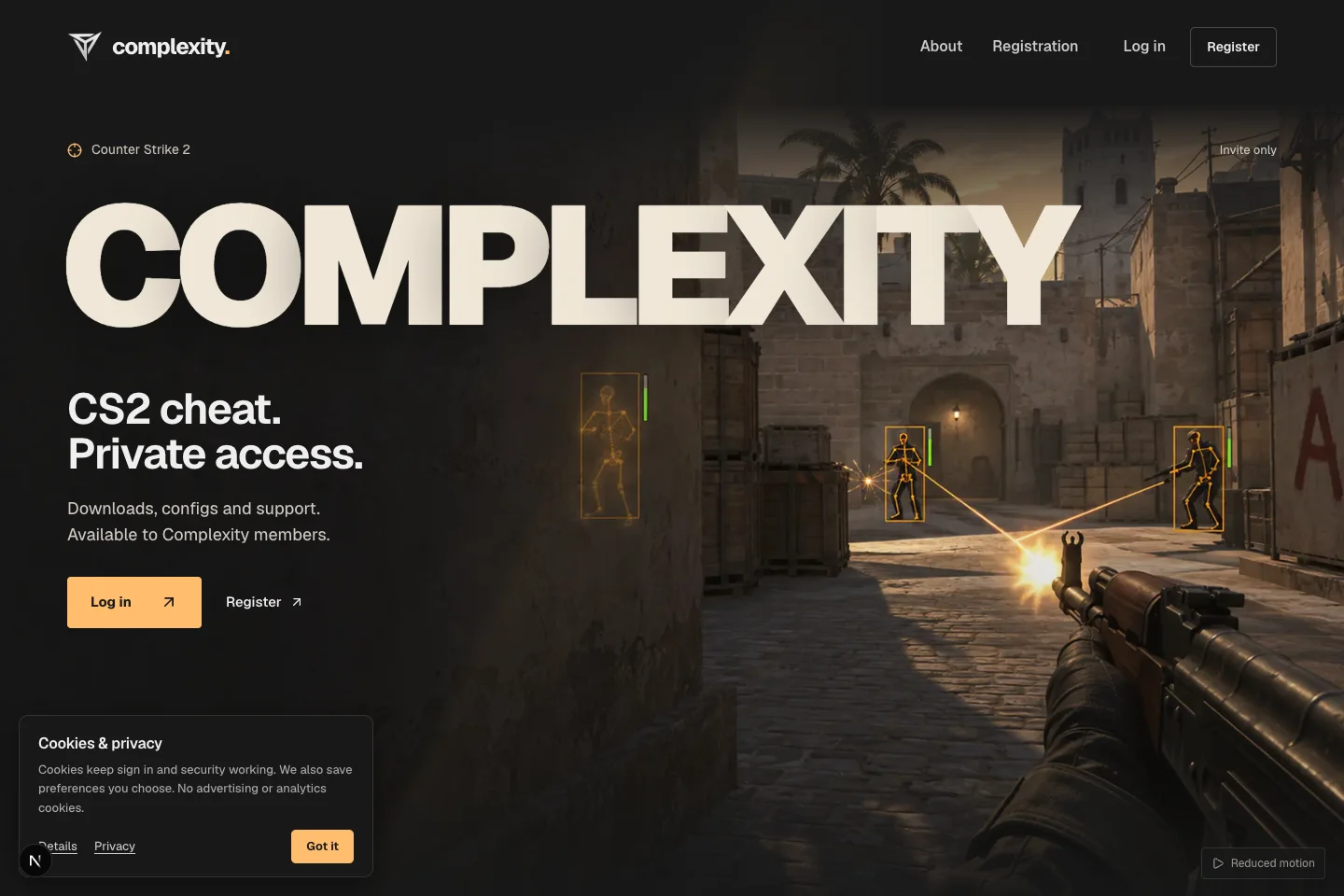
A private community, software releases and a live web radar.
Deployed, invitation-only community and client services. The native game client is maintained separately.
The public-facing homepage from the local project. Member accounts and private discussions are not shown.
Project overview
What it is.
Who it’s for
Members of a private gaming community, customers using its client software and the staff running both.
Complexity combines an invitation-only community with the services around a separate game client. Members use forums and manage their accounts; customers also need an active entitlement to access protected client files. We built the website and backend services for that community, including release delivery, shared configurations, a browser radar and staff administration.
Invitation-based accounts, community forums and moderation
Separate membership, staff roles and product entitlements
Protected releases and native device access
Versioned configuration libraries with expiring sharing links
An invited member can use the community without automatically receiving a client licence. The account, its staff role and its product entitlement remain separate. Staff manage invitations, discussions and access changes, while protected download requests check the current account and native-session requirements.
Configurations with a history.
Members keep private configuration libraries, upload existing files or build a configuration from a published template. Saved revisions preserve a history of changes. Sharing creates an expiring snapshot, optionally restricted to a recipient, and adopting a shared configuration produces an independent private copy.
Live information in the browser.
A WebSocket service receives authenticated updates from a native client and supplies a browser radar view with map and floor handling. The native application must provide the game data. Match state stays in bounded memory rather than a permanent match archive, and disappears when the room ends or the service restarts.
Controls for running the community.
Staff tools bring together forum moderation, account suspension, session revocation, licence changes and release publishing. Permissions determine which controls are available, with audit records for administrative actions. The platform also provides security and service-status views; the separate native client has its own implementation and release work.
How it works.
01
Join the community
Redeem an invitation, create an account and enter the member forums.
02
Use the connected services
An entitled customer accesses client releases and manages configuration files; supported native sessions can publish radar updates.
03
Keep access current
Staff moderate discussions, publish releases and manage account or licence changes through the administration tools.