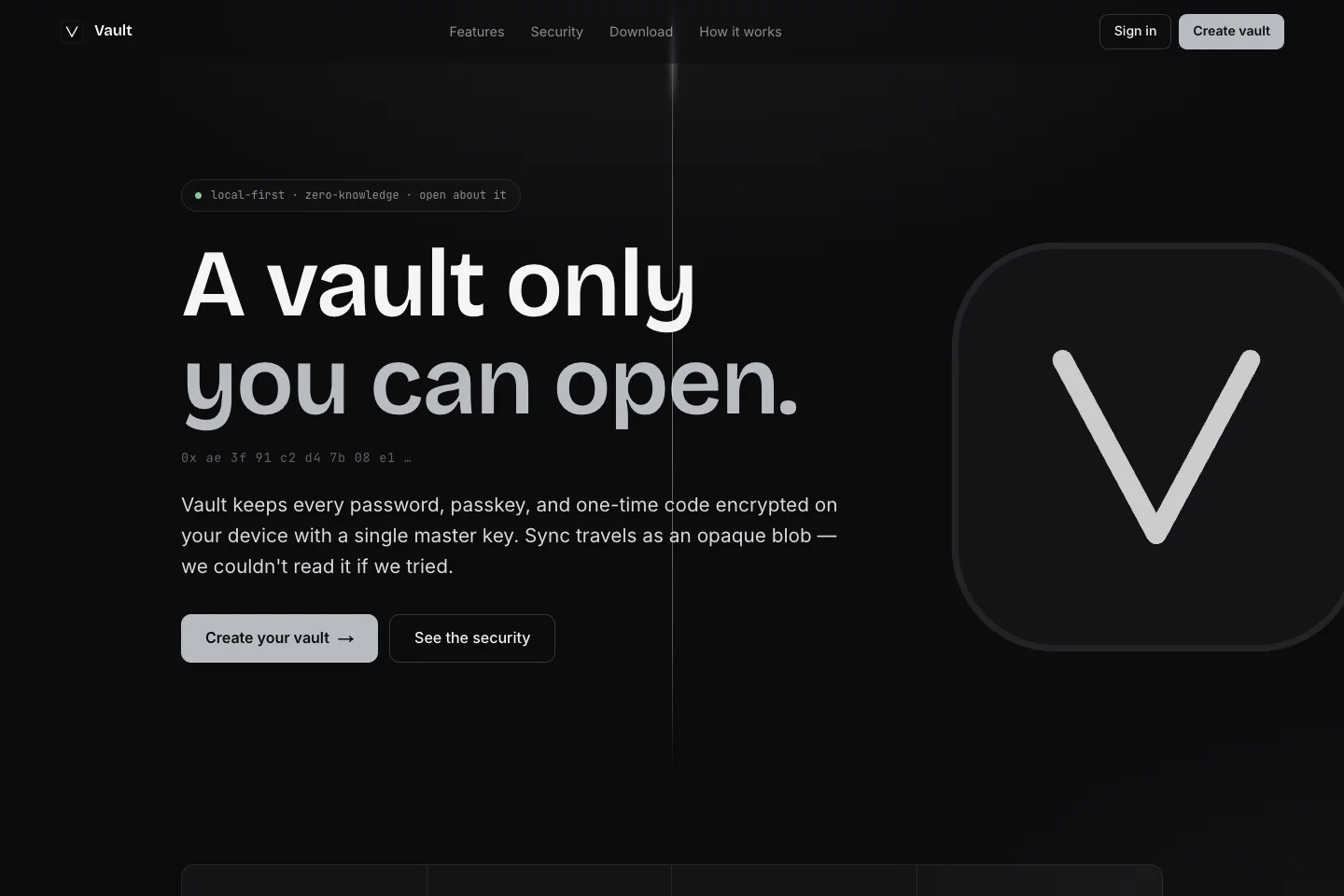
Passwords, passkeys and codes in an encrypted vault.
Project overview
What it is.
Who it’s for
People who want to organise credentials across their desktop, phone and browser while keeping encryption on their devices.
Vault is a password manager built around a locally encrypted collection of credentials. Passwords sit alongside passkeys, verification codes, recovery codes, notes and cards. The project includes a desktop application, an iOS interface and a browser extension, with synchronisation designed to move encrypted vault data between them.
Passwords, passkeys, verification codes and recovery codes
Encryption on the device with encrypted synchronisation
The vault holds more than a username and password. It includes time-based verification codes, passkeys and masked recovery codes, as well as notes and cards. Import tools bring records from an existing manager, and the password generator helps create credentials for new accounts.
Encrypt before synchronising.
The design derives a key from the master password and uses it to protect a separate data key. Individual items are encrypted on the device, and synchronisation transfers the encrypted vault. Keeping these layers separate allows a master-password change without rebuilding the encryption of every stored item.
Use the vault where sign-in happens.
The desktop app holds the full vault, the iPhone interface supports mobile access, and the browser extension fills credentials where they are needed. The extension authenticates through the desktop application. Passkeys and one-time codes are part of that sign-in workflow, rather than separate lists to keep elsewhere.
How it works.
01
Create and unlock
Set a master password and open the local vault.
02
Import or add credentials
Bring in existing logins, add other credential types and generate new passwords when needed.
03
Use across devices
Access the encrypted collection through the apps and browser extension, synchronising encrypted changes between them.