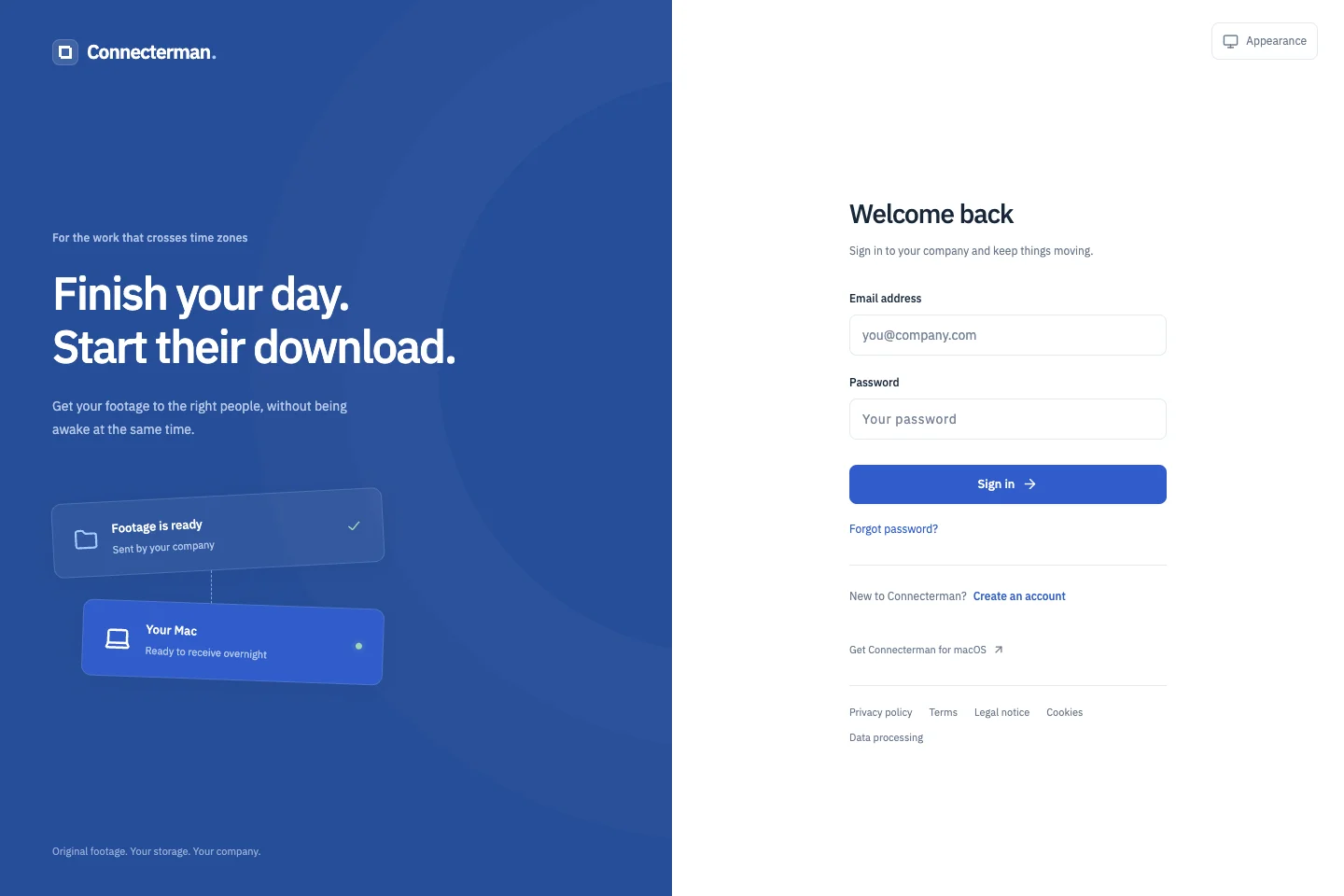
Send the footage now. Let the receiving Mac pick it up later.
The web portal is deployed. Live storage-provider validation and public Mac distribution remain in progress.
The deployed web portal. The product also includes a native Mac receiver and background delivery agent.
Project overview
What it is.
Who it’s for
Production teams handing footage between colleagues and Macs in different locations or time zones.
Connecterman is a footage delivery system with a company web portal and a native Mac receiver. A colleague selects source folders and recipients in the portal; enrolled Macs receive their own delivery jobs and download from the storage provider. We are building it for the handoff between teams, where the sender and the editor may not be online at the same time.
Company workspaces with separate project permissions
Google Drive and Frame.io folder integration
Recipient selection and individual deliveries for each Mac
Native receiving app with a background download agent
Saved transfer checkpoints, retry handling and source checks
One account can belong to several companies, each with its own members, projects and roles. Joining a company does not automatically grant access to its footage. Send and receive permissions are assigned per project, and removing a member or revoking a device removes the associated receiving access.
Files travel from the source.
The integrations target existing Google Drive and Frame.io footage. Each participant connects their own provider account, and the source must already be shared with them there. The portal coordinates the handoff; the receiving Mac downloads directly from the provider using that recipient’s access.
Each Mac keeps its own progress.
A delivery to several recipients becomes separate work for their enrolled devices. The native receiver saves checkpoints and requests file ranges so an interrupted download can continue. Source checks, local hashes and careful final-file handling help distinguish a completed file from a partial or changed download.
The web portal and the receiver are separate.
The Mac app handles sign-in, destination selection and receiving preferences; a background agent carries out the transfers. The web portal is deployed, while live provider validation, large real-world transfers and public Mac signing and distribution remain part of the release work.
How it works.
01
Prepare the project
Invite colleagues, assign project access and connect the storage accounts that can read the footage.
02
Send the folders
Select a source folder and recipients. The system prepares a separate delivery for each enrolled Mac.
03
Receive on the Mac
The receiver downloads into the selected folder, saves progress and resumes interrupted work when it can.