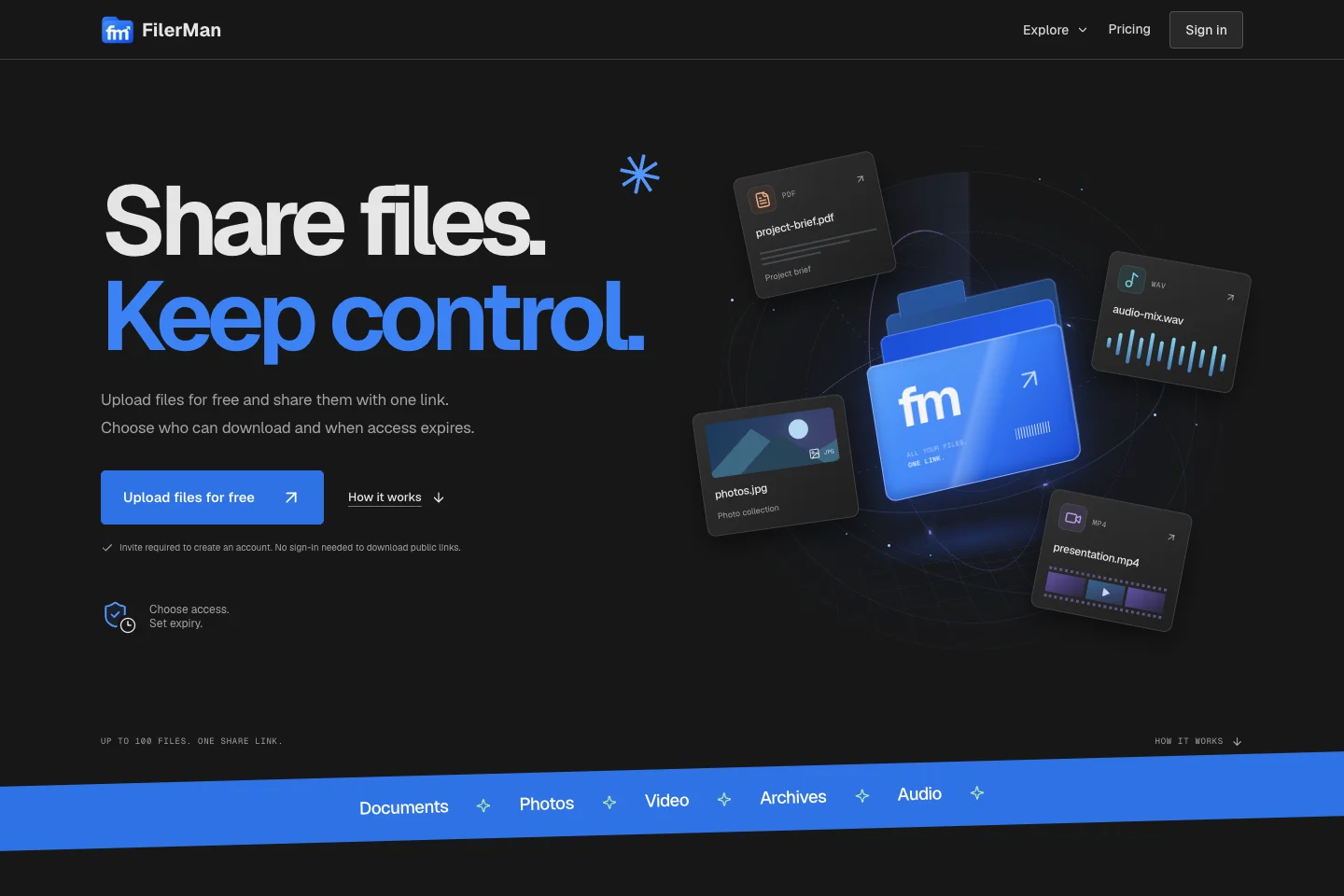
Share a file with an expiry, a recipient list or an encryption key.
A self-hosted application for sharing files and controlling access.
The public-facing homepage served from the local project.
Project overview
What it is.
Who it’s for
People sharing files with specific recipients, and operators who want control over the storage behind those shares.
FilerMan is a self-hosted file-sharing application. Users upload files and decide how the resulting share can be opened: through an expiring link, by named recipients or with optional browser encryption. We built the sharing flow together with storage management, account administration and background cleanup, so the operator can manage the files after the upload as well as receive them.
File uploads with expiring share links
Verified recipient restrictions and optional browser encryption
One-time downloads with confirmation before deletion
Local disk, private R2 and S3 storage options
Invitations, quotas, storage administration and cleanup jobs
Next.jsPostgreSQLCloudflare R2Amazon S3
What it does.
Choose who can open a share.
A share can expire at a chosen time or require access through a verified recipient account. The owner can manage the share without making every file public. Account invitations, quotas and suspension controls give the operator a way to manage who is allowed to upload and use the service.
Encryption happens before upload.
With optional browser encryption, the browser encrypts the file and keeps the decryption key in the share link’s fragment. The server stores the encrypted file rather than its readable contents. The original link matters: the operator cannot recreate a lost decryption key for the recipient.
One-time does not mean one attempt.
A one-time download first reserves the file. Deletion follows confirmation that the recipient saved it successfully. A failed decryption or ZIP creation does not immediately consume the file, and interrupted reservations can be retried. Expiry still applies, so recovery does not silently turn the share into permanent access.
Storage is part of the product.
Uploads can use local disk, private Cloudflare R2 or Amazon S3. Operators manage routing, migration and replication through storage controls, with workers handling retries and cleanup. Changing the destination for new uploads preserves access to existing files. Operational views surface delayed work and storage problems that need attention.
How it works.
01
Upload and set access
Choose the files, expiry and recipient rules, and decide whether to encrypt them in the browser.
02
Share and receive
Send the resulting link. The recipient passes the access checks and downloads or decrypts the files.
03
Manage what remains
Review shares and storage usage while expiry, confirmed one-time downloads and background cleanup handle removal.