Developers and teams investigating application behaviour across services and projects.
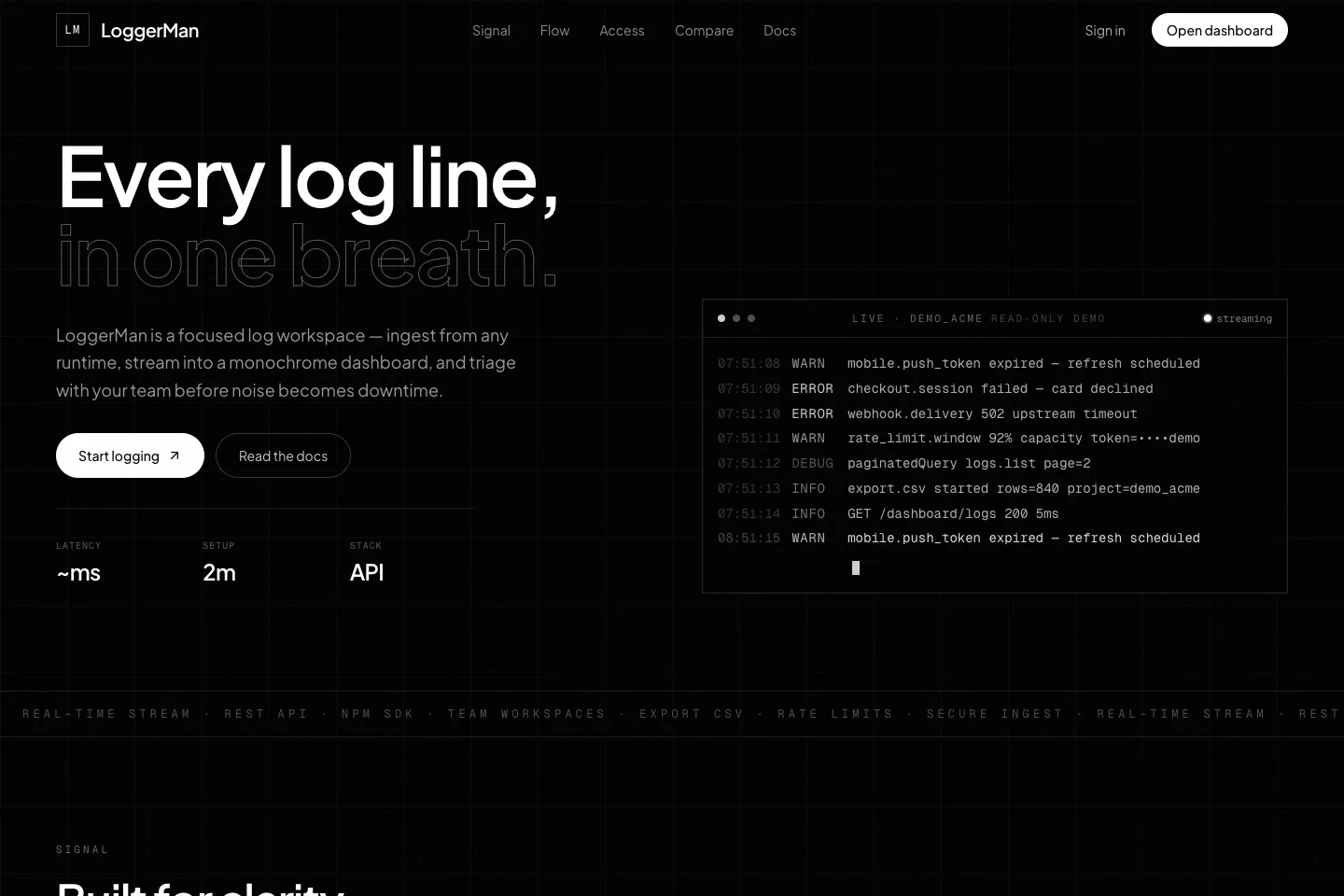
Loggerman collects application logs in a shared workspace. A service sends structured events through an API or the Node.js SDK, and the dashboard makes them available for live inspection, filtering and export. We built it around the everyday debugging loop: find the relevant project, read the event in context and share the information needed to investigate.
Structured log ingestion through a REST API or Node.js SDK
Live dashboard updates and expandable event payloads
A project has its own ingestion token. The application can send structured JSON directly or use the Node.js SDK, supplying a log level, message and useful context. This gives a web service, worker or scheduled job a common destination for its events without requiring everyone to read that machine’s terminal.
Read the event in context.
New events appear in the shared dashboard as they arrive. Developers can narrow the stream by level and expand a row to read its payload. Separating projects keeps an investigation focused on the relevant application while allowing a team to use the same overall workspace.
Follow up without keeping the tab open.
Alert rules and notification channels help a team act on selected events. CSV export preserves a set of filtered records for further investigation or sharing. Team invitations and ownership roles control workspace access, while the product’s plans determine retention, volume and available collaboration features.
How it works.
01
Create a project
Name the application or service and obtain its ingestion token.
02
Send structured events
Connect the API or SDK and include the context needed to understand each log entry.
03
Investigate and share
Filter the live stream, inspect event details and export relevant records or configure alerts.