Anyone preparing image, audio or video files for a website, delivery folder, message or upload limit.
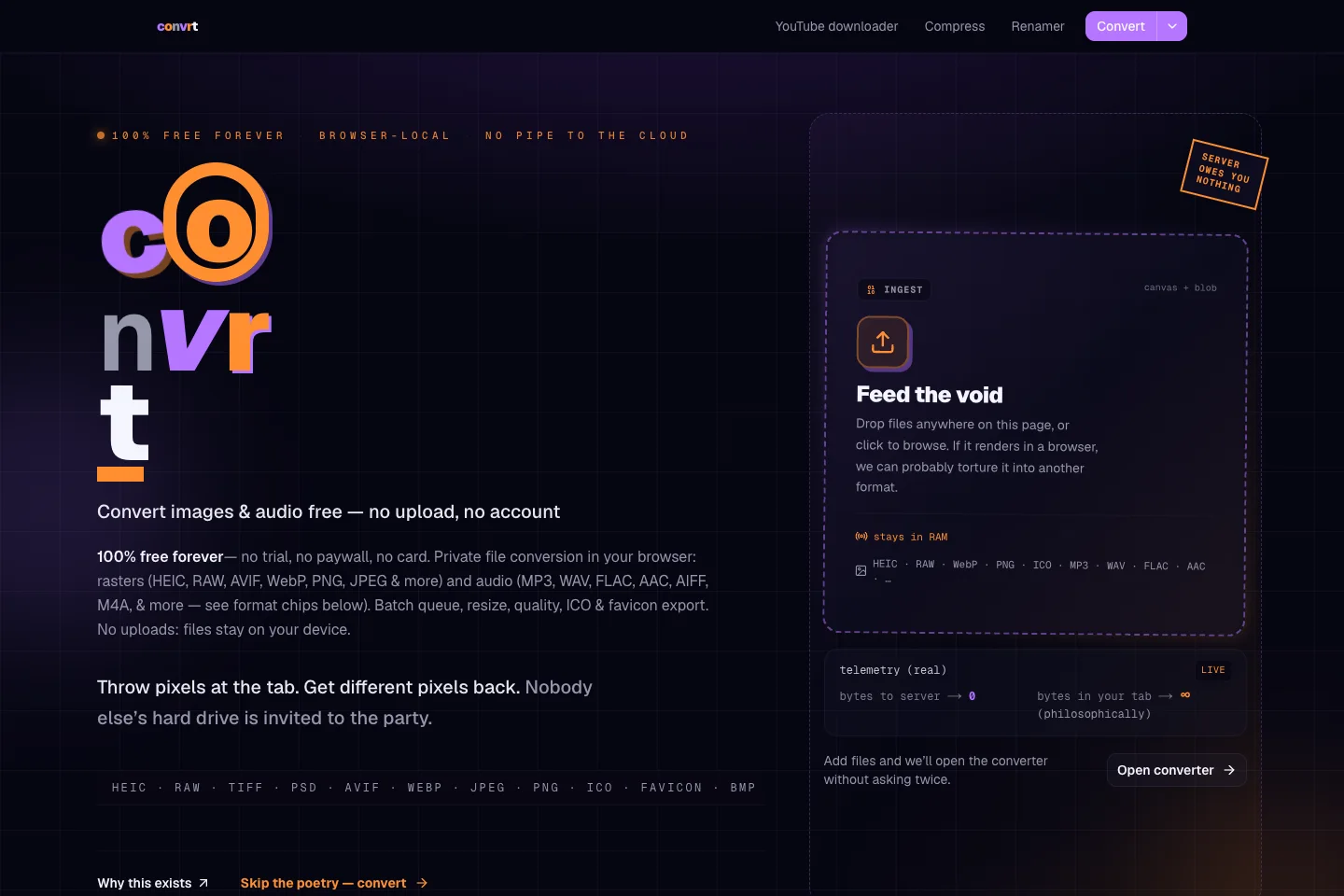
Convrt is a browser-based set of file tools. It handles common conversion, resizing and compression jobs without an account or a local desktop installation. We built the local tools so the browser processes the files on the user’s device, with queues and batch downloads for folders containing more than one asset.
Image format conversion, resizing and quality controls
Local audio and video processing with FFmpeg.wasm
Compression controls for size, bitrate and resolution
Batch queues, individual downloads and ZIP export
Favicon tools, batch renaming and a separate URL downloader
Conversion produces a different output format; compression focuses on making a file smaller. Image tools expose dimensions and quality, while audio and video processing can adjust bitrate and resolution. Browser and codec support determine the available outputs, so a list of readable formats does not imply every format can also be written.
Process the folder as a batch.
Users can add several files to a queue, choose output settings and retrieve the results individually or together as a ZIP. Renaming and favicon tools cover related preparation tasks. This suits jobs such as turning a set of images into web assets or preparing several attachments for delivery.
Keep local processing separate from URL retrieval.
The local converter and compressor run on the device using browser APIs and FFmpeg.wasm. Files are held for the current session, so refreshing clears the queue. The separate YouTube downloader sends a URL to a server for retrieval and processing; that tool has a different data flow.
How it works.
01
Add the files
Drop files into the appropriate converter or compression workspace.
02
Choose the output
Set the format, dimensions, quality or bitrate needed for the destination.
03
Save the results
Process the queue and download individual outputs or a ZIP before closing the session.