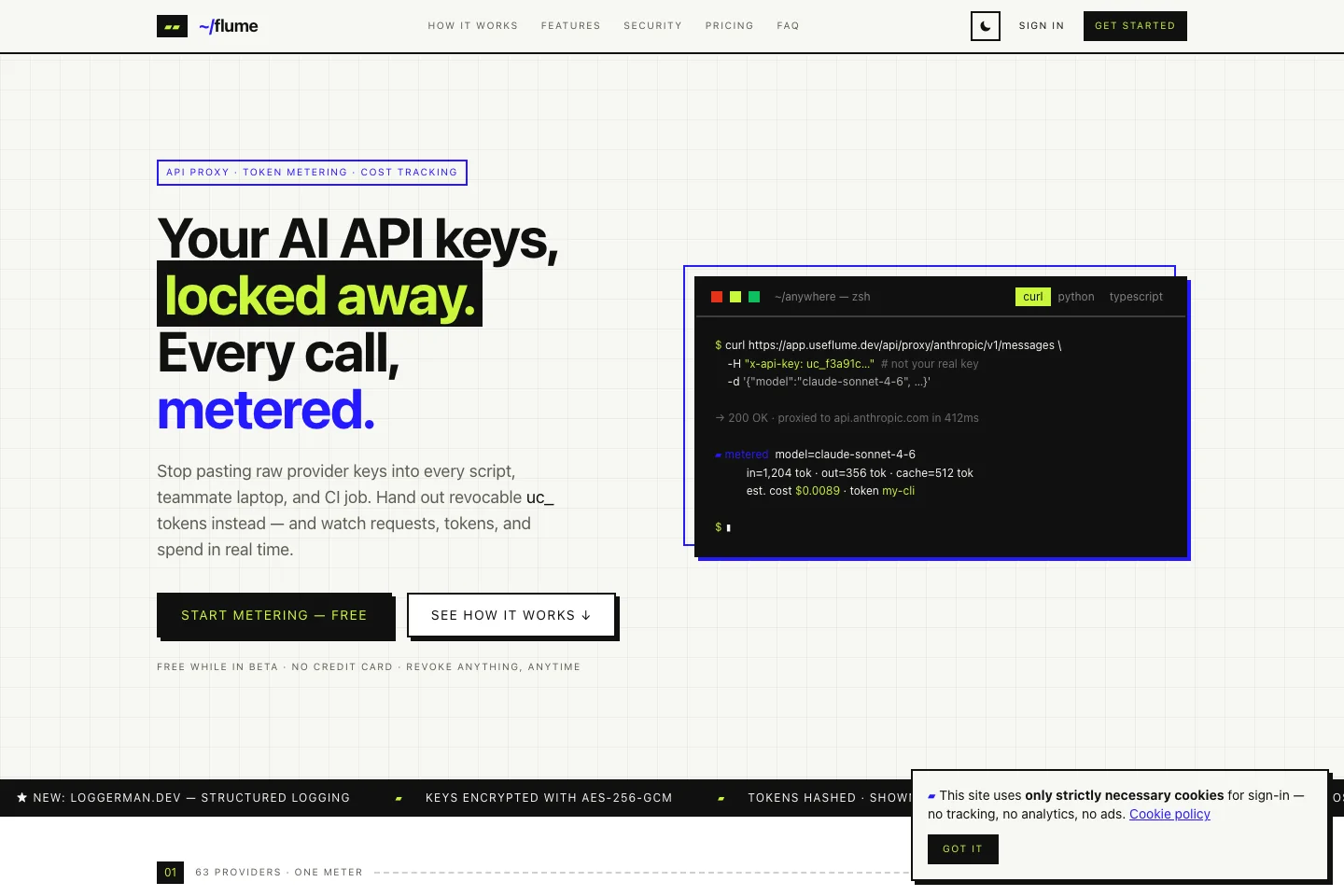
Manage AI API access without sharing the original keys.
Project overview
What it is.
Who it’s for
Developers and teams using AI provider APIs across scripts, services and individual workstations.
Flume is a proxy between an application and its AI providers. Instead of copying a provider’s main API key into every script or teammate’s environment, a team gives each consumer its own token. We built the product around controlling that access and seeing which consumer generates the requests, token usage and estimated cost.
Provider connections behind a shared proxy interface
Separate provider-scoped tokens for services and people
Token expiry, model restrictions, request limits and spend caps
Streaming responses and existing SDK request formats
The provider key is stored encrypted on the server. Applications use issued proxy tokens instead, each tied to a provider. A team can give its development scripts, production service and individual users separate tokens. Revoking one consumer does not require distributing a new provider key to everybody else.
Set boundaries for each token.
Tokens can carry an expiry, a model allowlist, daily request limits and a spend cap. The proxy checks these rules before forwarding requests. That makes access something the team can adjust per service or person, rather than an all-or-nothing permission attached to the original provider key.
See where usage comes from.
The dashboard breaks activity down by token and provider, including request counts, latency and available token-usage data. Model pricing tables produce cost estimates, including relevant cache rates. These figures help investigate an unexpected bill or compare workloads; they are estimates rather than a replacement for the provider’s invoice.
Keep the application’s request flow.
Supported integrations retain the provider’s request paths, bodies and response shapes, with clients pointing at the proxy URL. Streaming responses pass through to the application. The proxy records usage information for metering rather than building a library of users’ prompts and generated responses.
How it works.
01
Connect a provider
Add the provider key to Flume and choose the account or service it represents.
02
Issue a scoped token
Create a separate token for a consumer and set the limits or expiry it needs.
03
Route and review
Point the client at the proxy, then inspect usage and revoke or adjust access as the workload changes.